Free Website Tools - WHOIS, Domain Age, SSL, DNSBL, Email Auth
All free tools you can use today
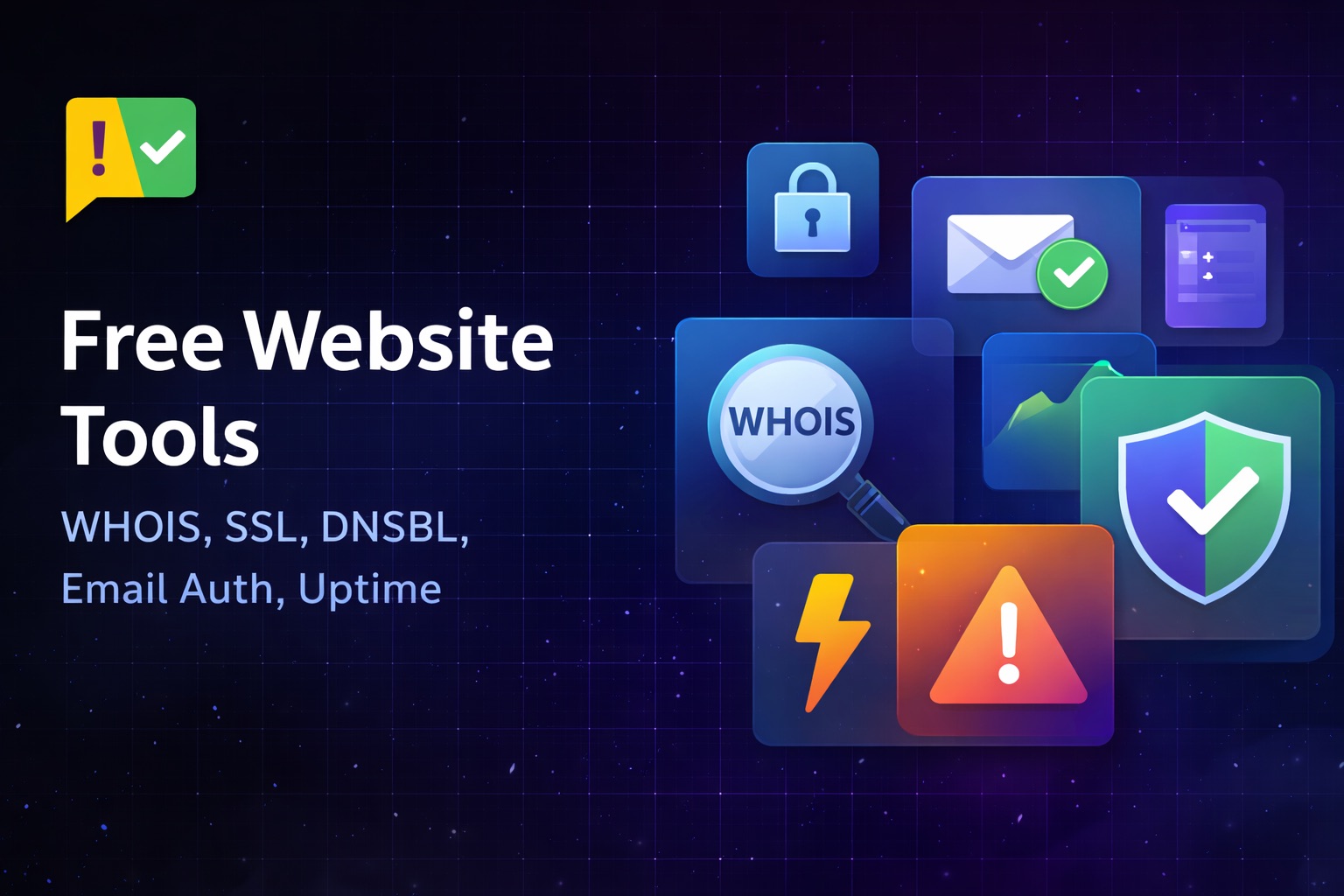
- Domain WHOIS lookup (public tool): Fetch registrar, creation, and expiry details with clean parsing for popular TLDs (.com, .net, .org, .io, .rs, and more). Use it publicly or automate from your dashboard. Try the Domain WHOIS tool.
- Domain age calculator (public tool): Get the creation date (across formats) and a human-readable age (years + days). Try the Domain Age tool.
- SSL certificate checker (public tool): Verify the live TLS certificate, issuer, expiry date, and common HTTPS misconfigurations. Try the SSL Checker tool.
- DNSBL blacklist checker (public tool): Check if a domain or IP appears on common DNS blocklists. Try the DNSBL Checker tool.
- Email DNS (DKIM/SPF) checker (public tool): Validate DKIM and SPF records to improve deliverability and reduce spoofing risk. Try the DKIM/SPF Checker tool.
- Uptime checker (public tool): Quickly confirm whether a website is down for everyone or just you. Try the Uptime Checker tool.
Helpful extras built-in
- Permalinks & history: Every lookup can be saved and shared; past checks stay in your history for quick comparison.
- Fast, cached results: Public queries use smart caching to keep things snappy; you can bypass cache when you need a fresh pull.
Why automate it from the dashboard
- One-click refresh: Skip manual WHOIS copy/paste. Run fresh lookups or use cached results directly from your account.
- Team-friendly sharing: Permalinks stay stable, so your team can reference the same WHOIS or age snapshot without re-running the query.
- Audit-ready history: Each check is stored in your history with timestamps, making it easy to track changes over time.
- Zero-cost setup: Automation and history live behind a free account. No credit card required.
How to use the free dashboard
- Sign up / log in to your account (it’s free).
- Open Tools → Domain WHOIS or Tools → Domain Age to run quick checks. Use Force Fresh Lookup to skip cache.
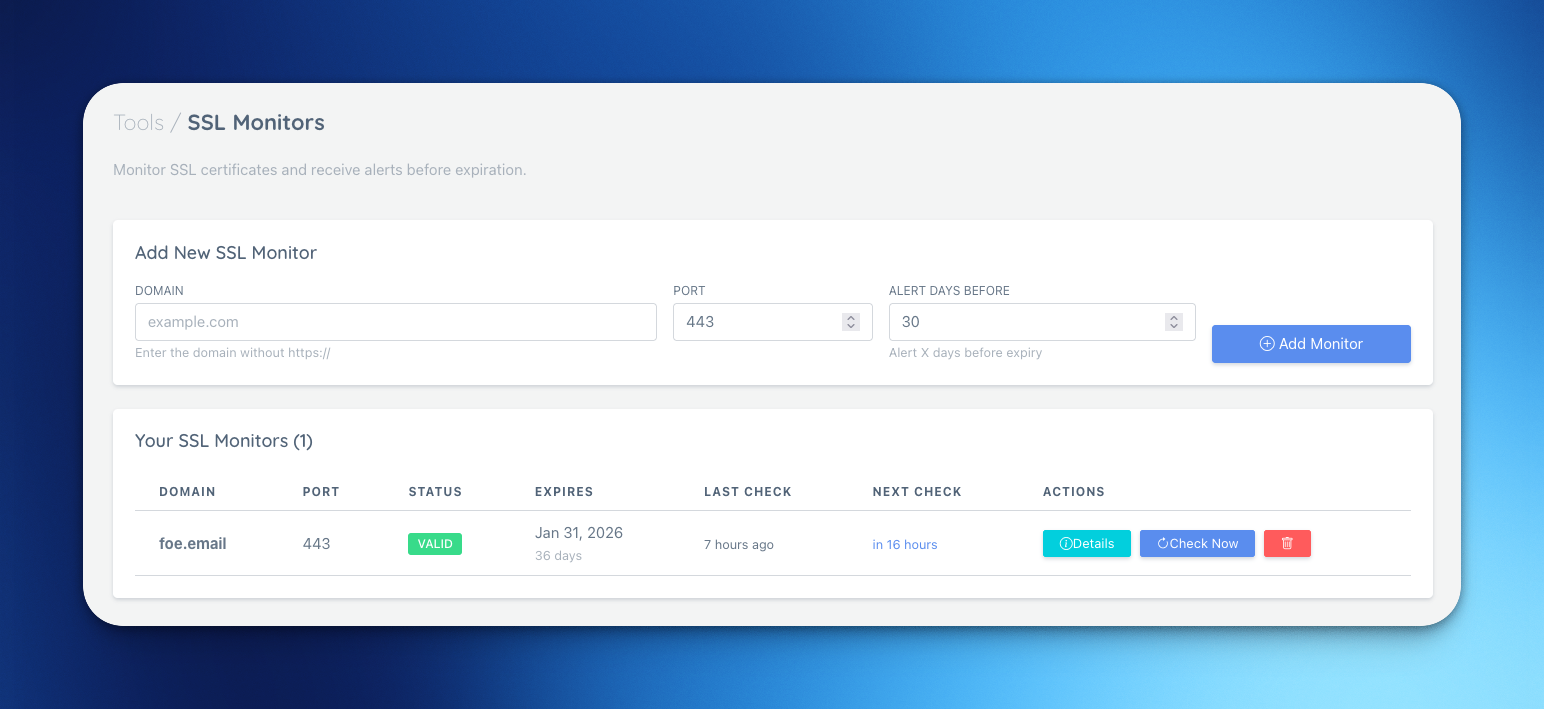
- Set up SSL Monitors, DNSBL Monitors, and Email Auth from the Tools menu to automate routine checks.
- Copy permalinks to share results or revisit them later.
Tip: The dashboard versions mirror the public tools but add history, permalinks, and cache control, so you can run checks faster and keep them organized.
SEO-friendly takeaways (for searchers & builders)
- Looking for free website tools? Run WHOIS, domain age, SSL, DNSBL, DKIM/SPF, and uptime checks with no signup required.
- Need a free WHOIS tool and domain age checker that handle mixed registry formats? We normalize outputs across popular TLDs.
- Want to automate SSL, DNSBL, and email auth checks without paying? Use the dashboard’s free automation path.
- Prefer permalinks and history? Every lookup can be saved, shared, and reused.
What’s next
We’re adding more free website utilities to the same flow. If you want them prioritized, tell us which tools you’d like to automate next.
Ready to try it? Run a public WHOIS or age check, then hop into the dashboard to automate it for free.